

Check the Booking Schedule
2026-03-16 16:30
The Check Booking Schedule feature allows users to easily view and monitor booking schedules for each day. Users can choose to view bookings by staff or by room/bed to see detailed reservations for a specific time. The system also allows users to navigate to other dates or select a specific date from the calendar to review past or upcoming bookings conveniently.
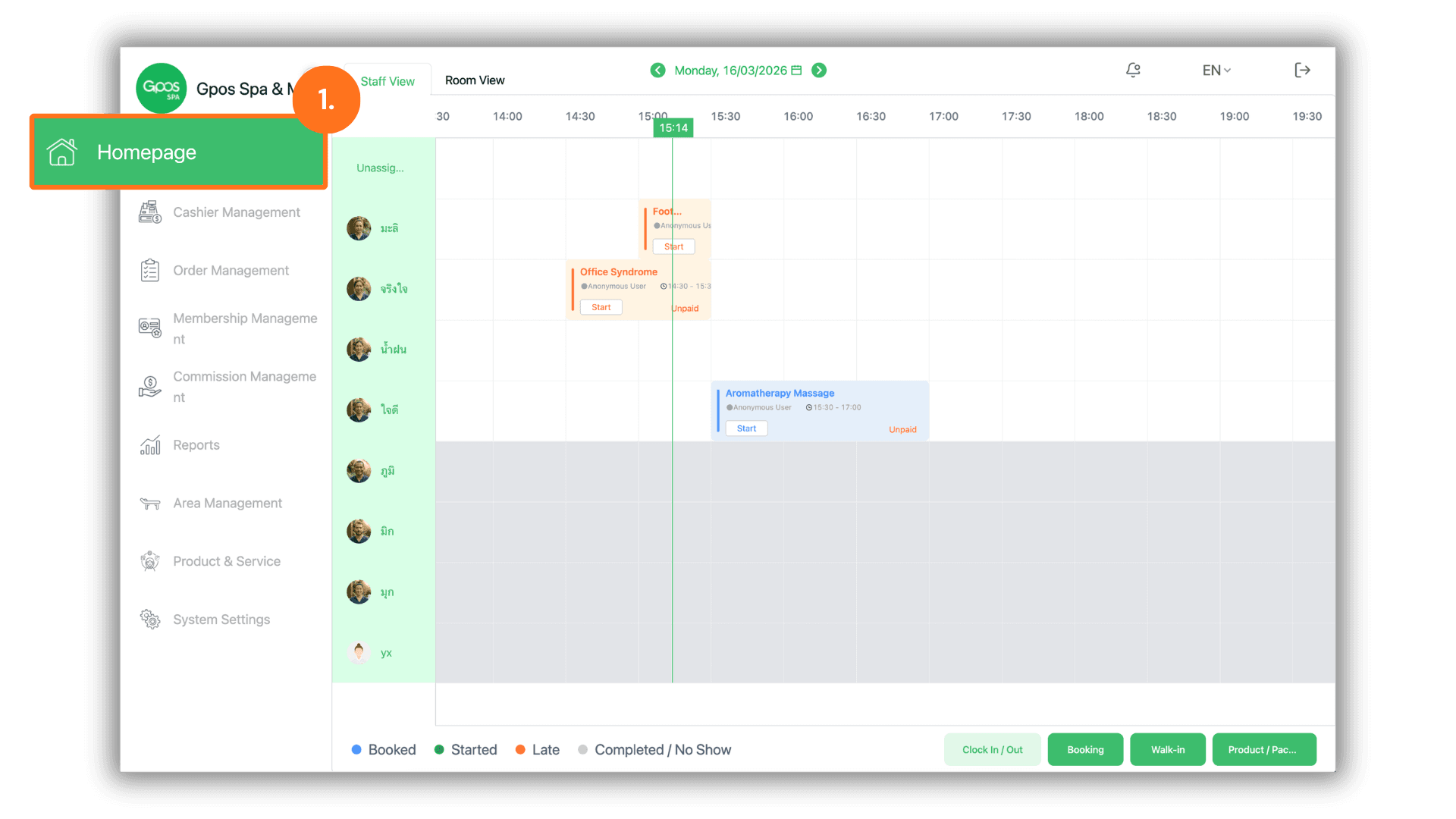
1. Go to the Home Page
- Tap the “Homepage” button at the top-left corner of the screen.
2. Select the Booking View
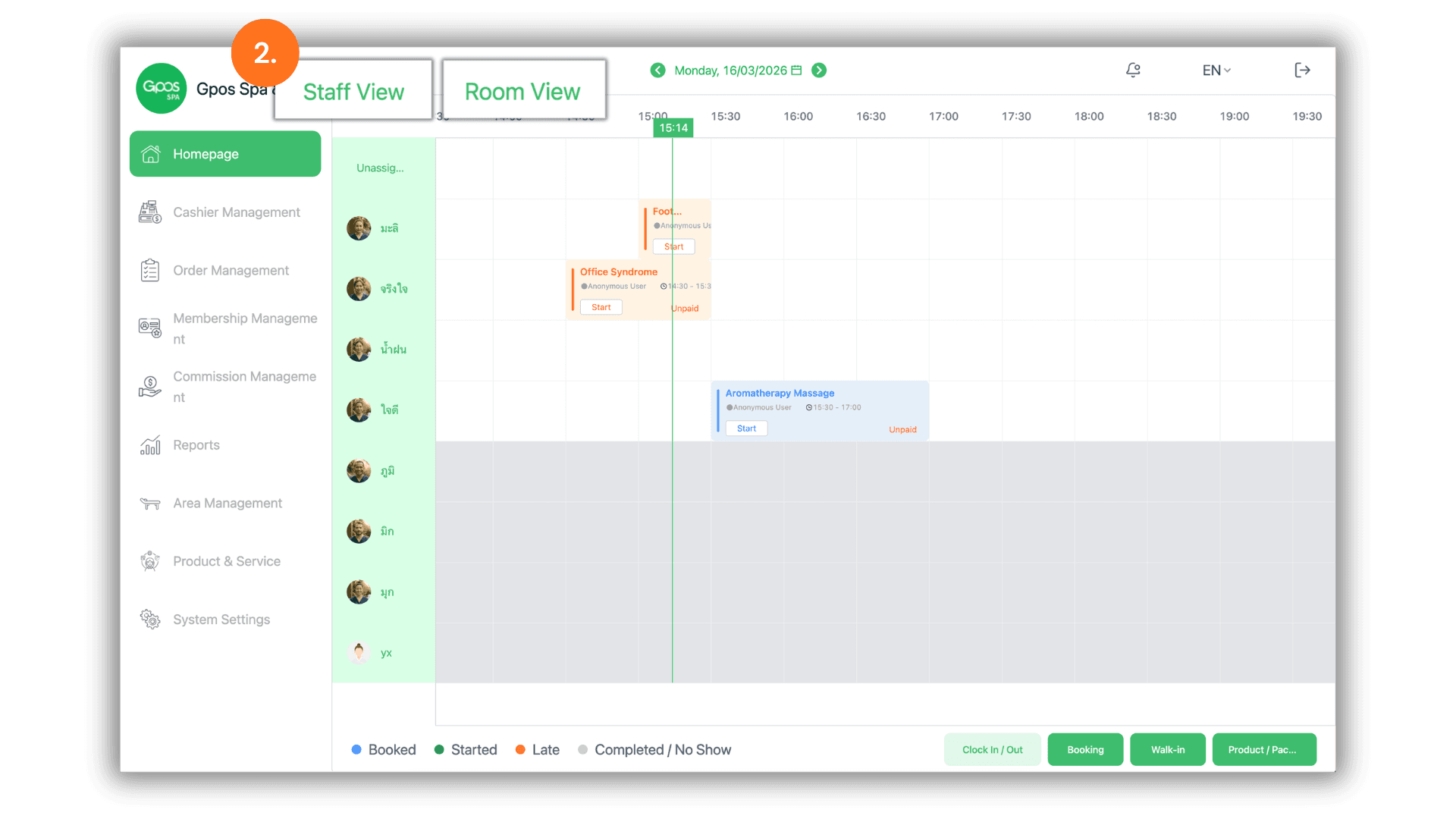
You can check bookings in two ways:
- Staff View: View the booking schedule for each staff member.
- Room/Bed: View the booking schedule for each room or bed.
Tap Staff View or Room/Bed to choose the view you want.
3. Check the Booking Date
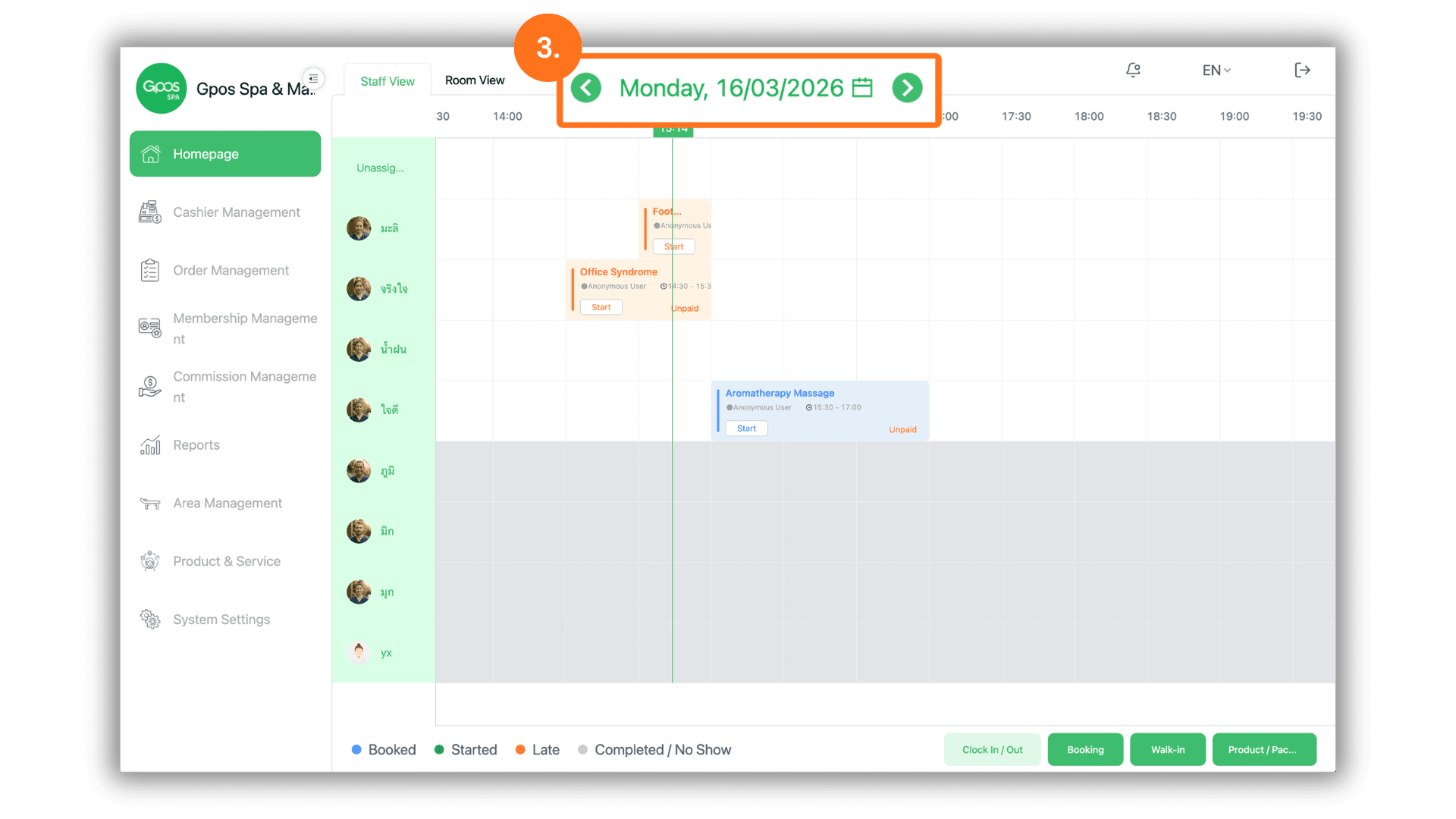
- The booking date is displayed at the top center of the screen.
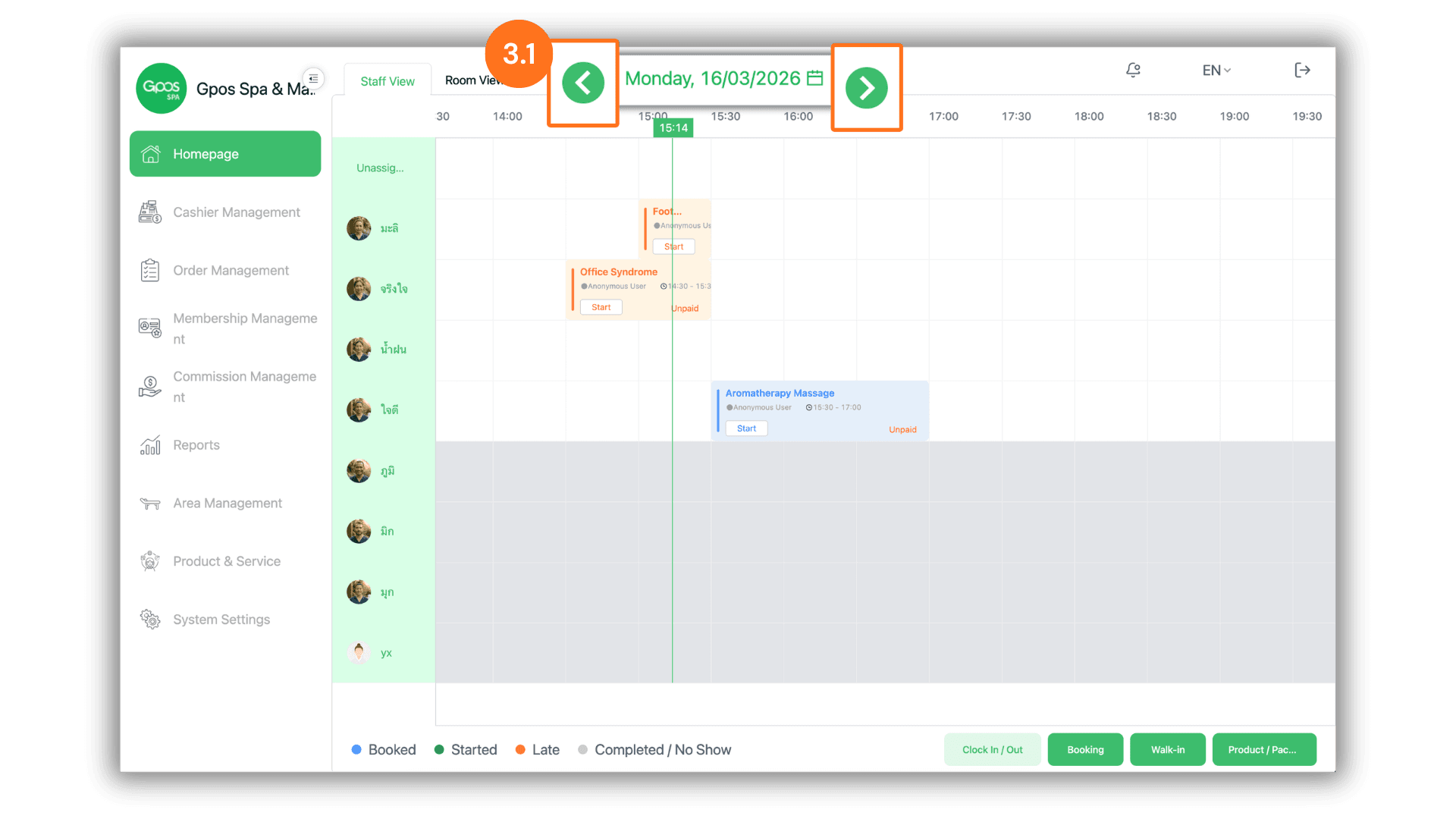
3.1 Navigate to Other Dates
- Tap the left (←) or right (→) arrow buttons to move to the previous or next date.
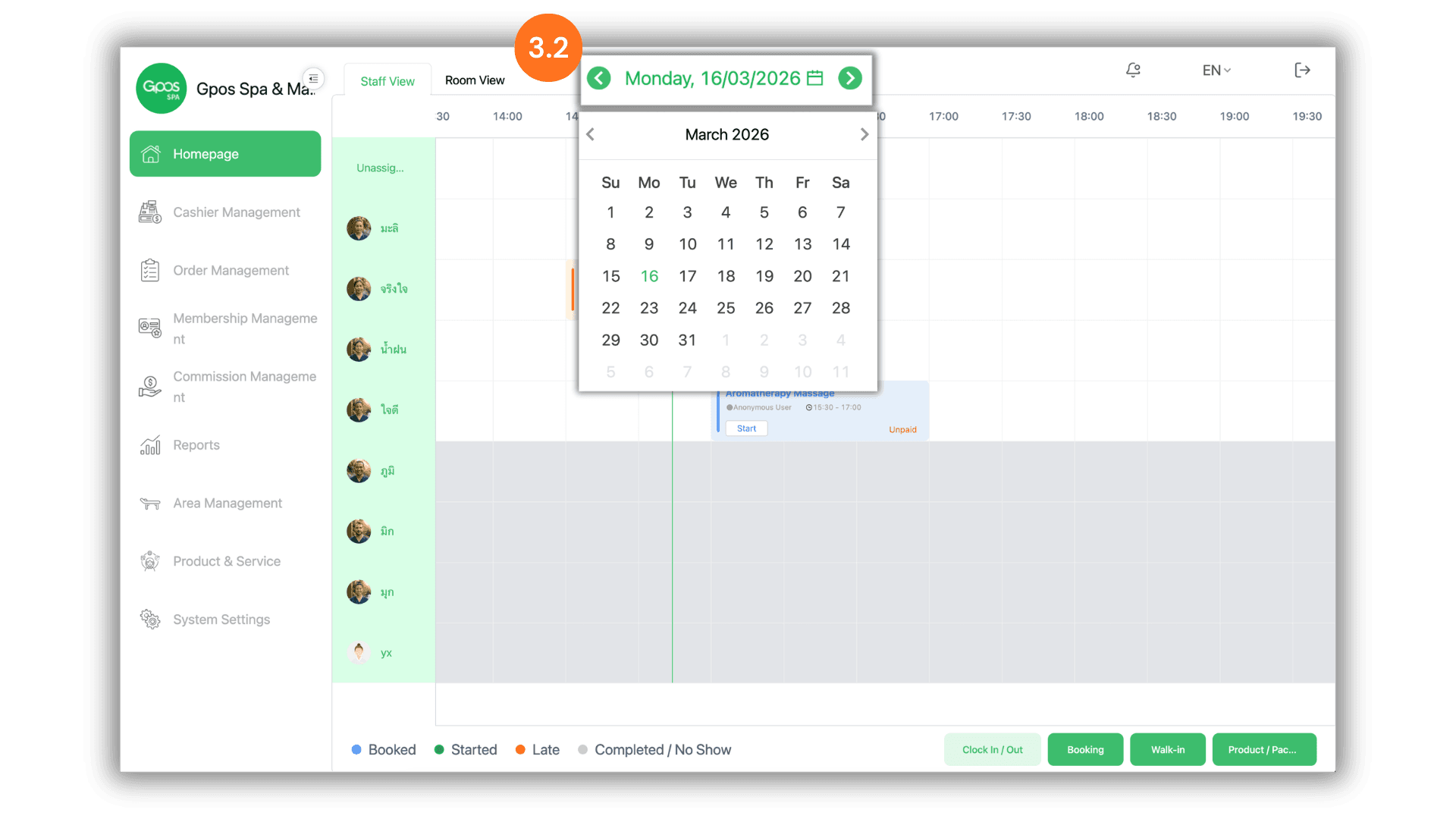
3.2 Select a Date from the Calendar
- Tap on the date displayed at the top.
- Then select the day and month you want to check from the calendar.