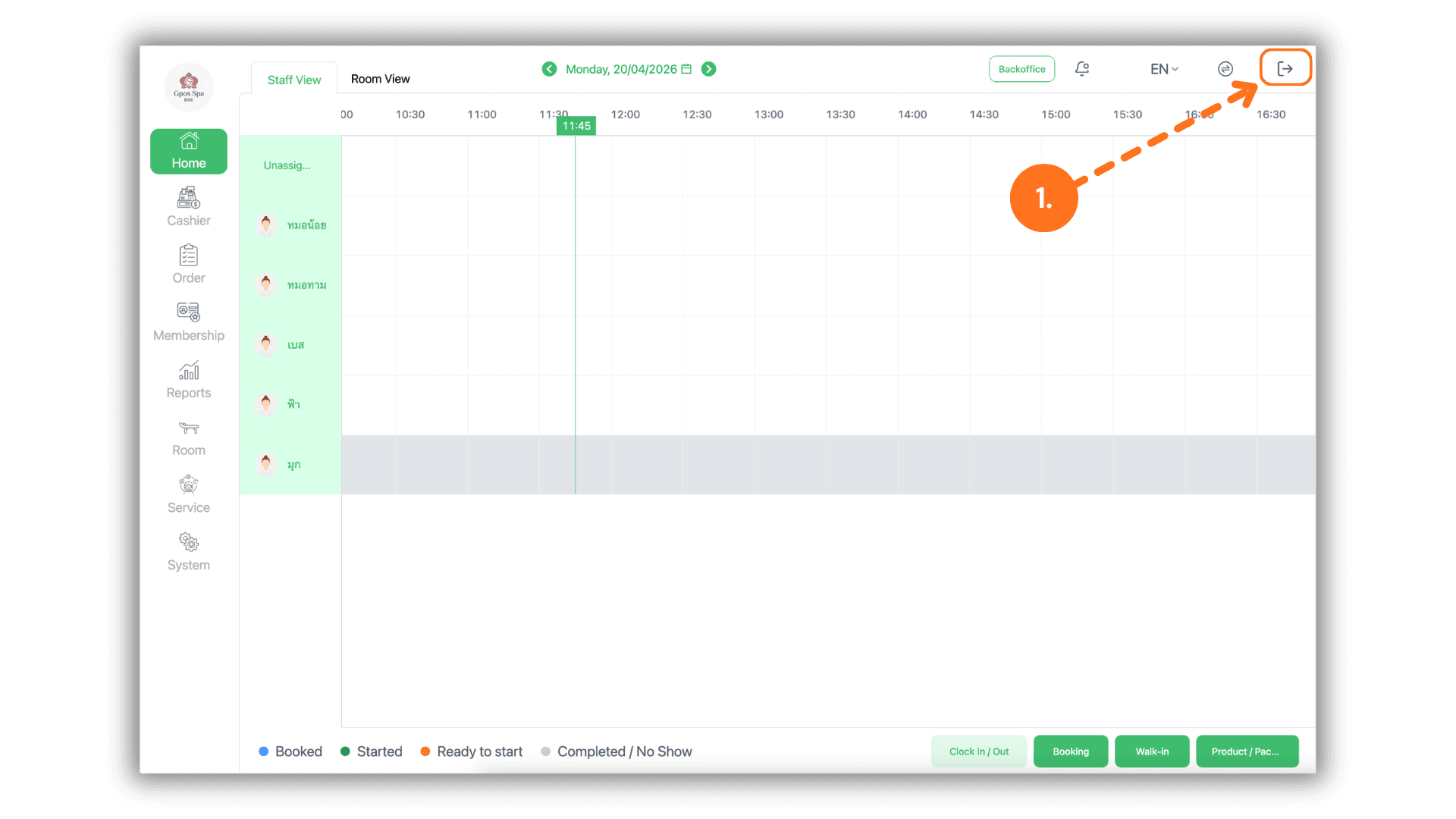
1.Log Out of the System
- To switch users or exit the current session, click the "Logout" icon located at the top right corner of the dashboard to return to the main login screen.
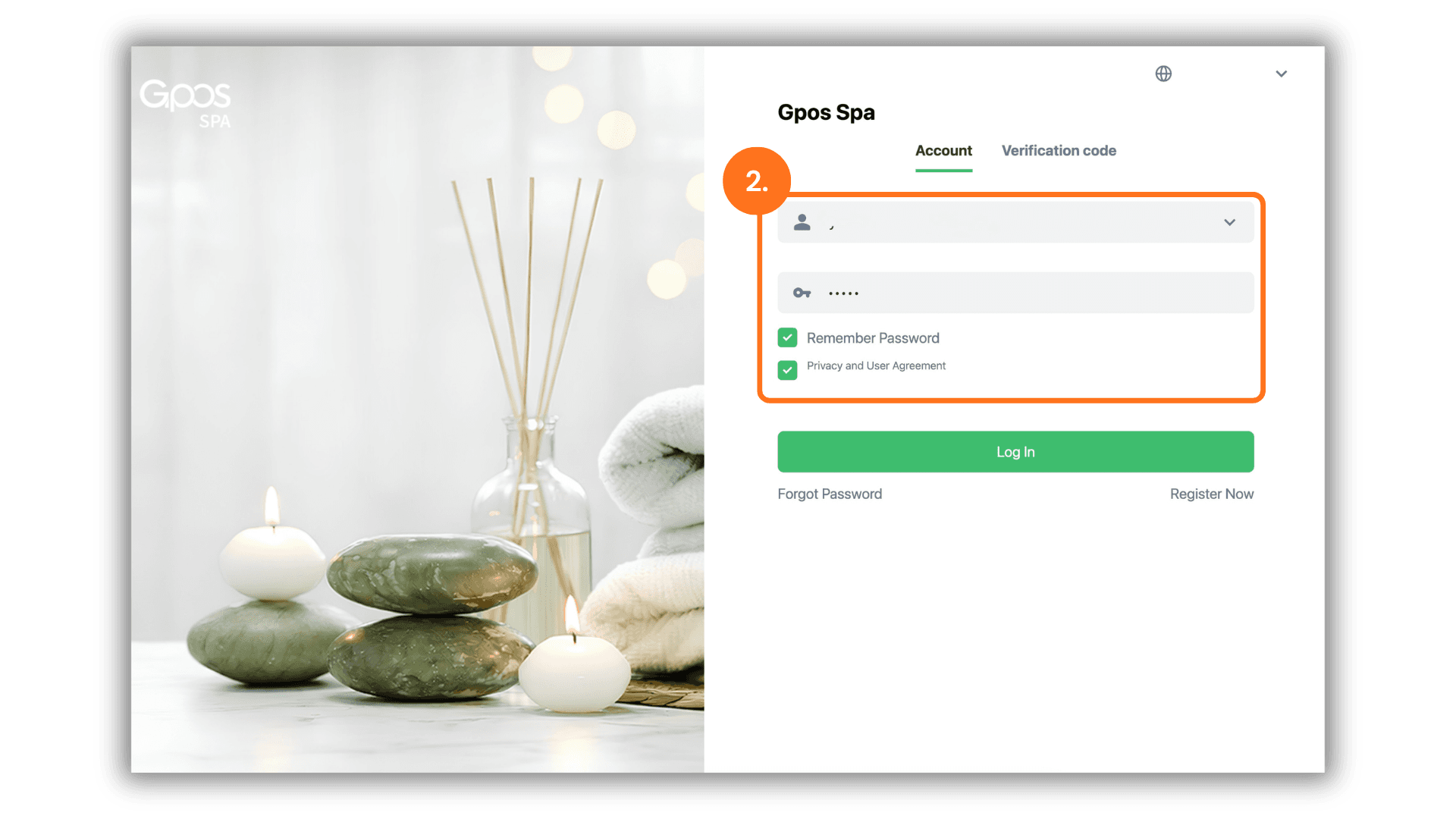
2.Enter Login Credentials
- Enter your registered Email or Phone Number along with your Password:
- Check your password: Look for credentials sent via Email (Sender: SUNMAX) or via SMS (Sender: iATSMS).
- Click the login button to proceed.
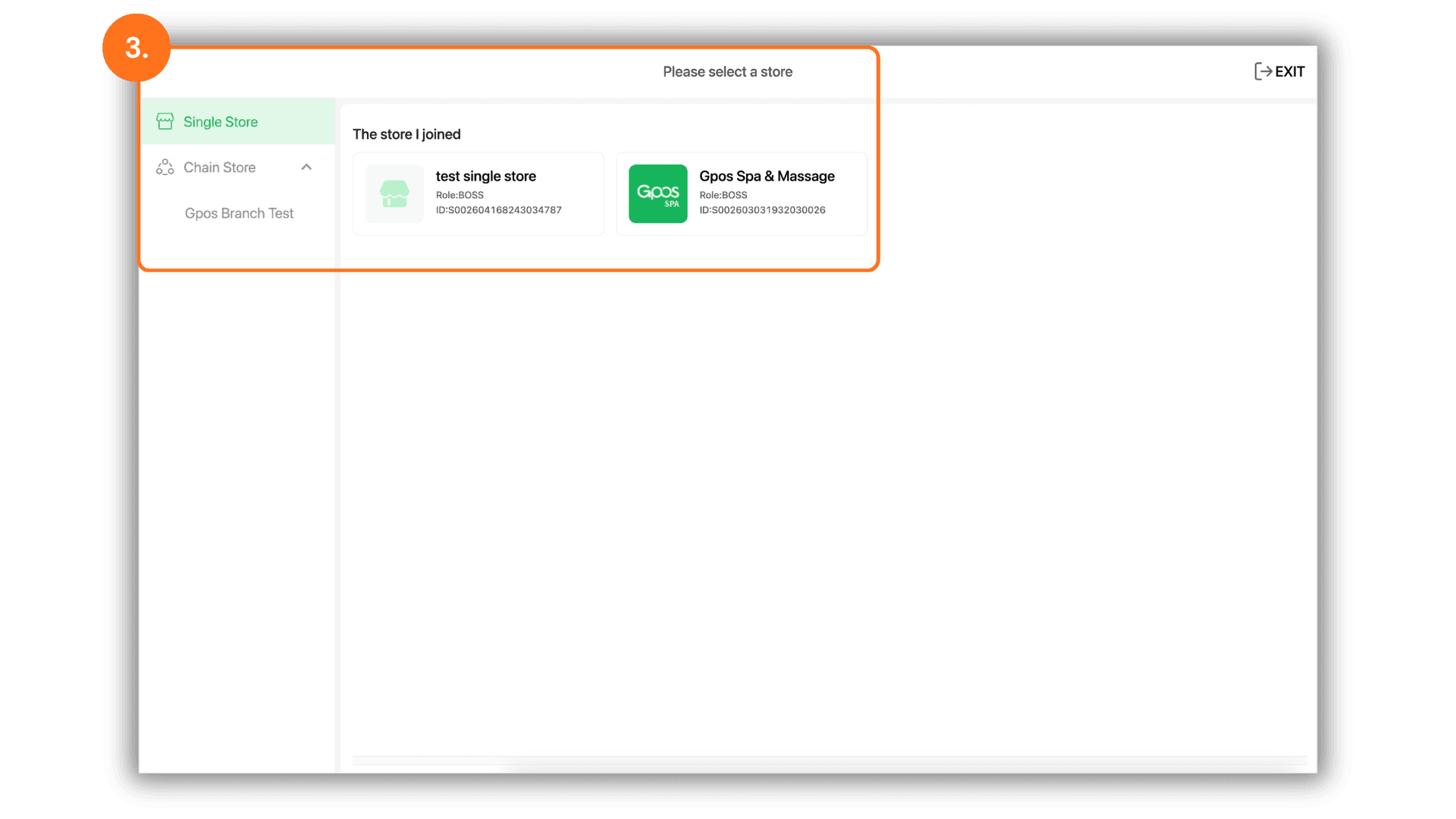
3.Select the Branch
- Once logged in, the system will display a list of available locations. Select the specific Store/Branch where you are currently reporting for duty to access that location's operational data.
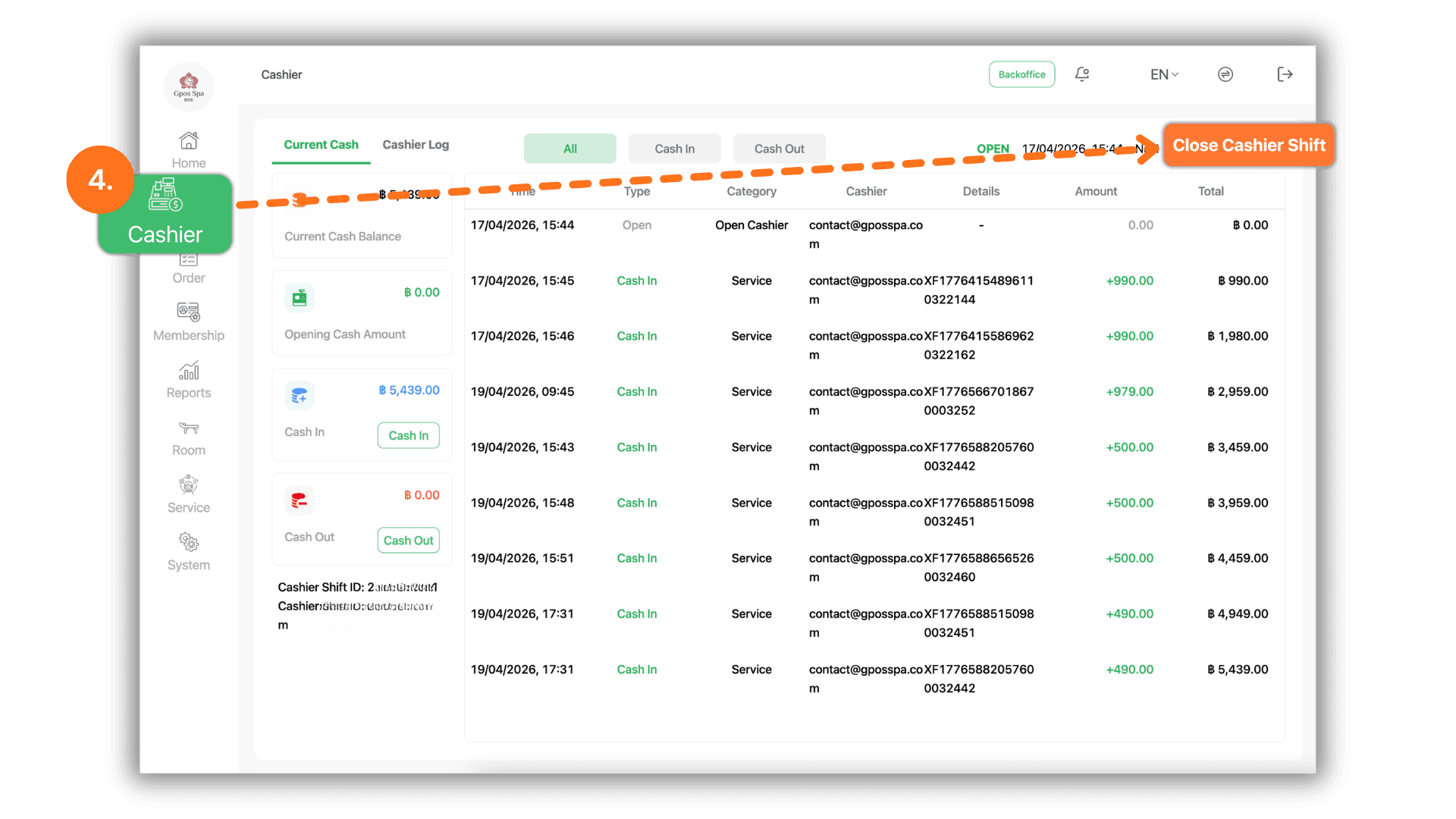
4.Manage and Switch Work Shifts
- To manage your working hours, navigate to the "Cashier" menu:
- Close Shift : Click this to finalize your current sales summary and end your session.
- Open Shift : Click this to begin a new work period and start recording transactions for the day.