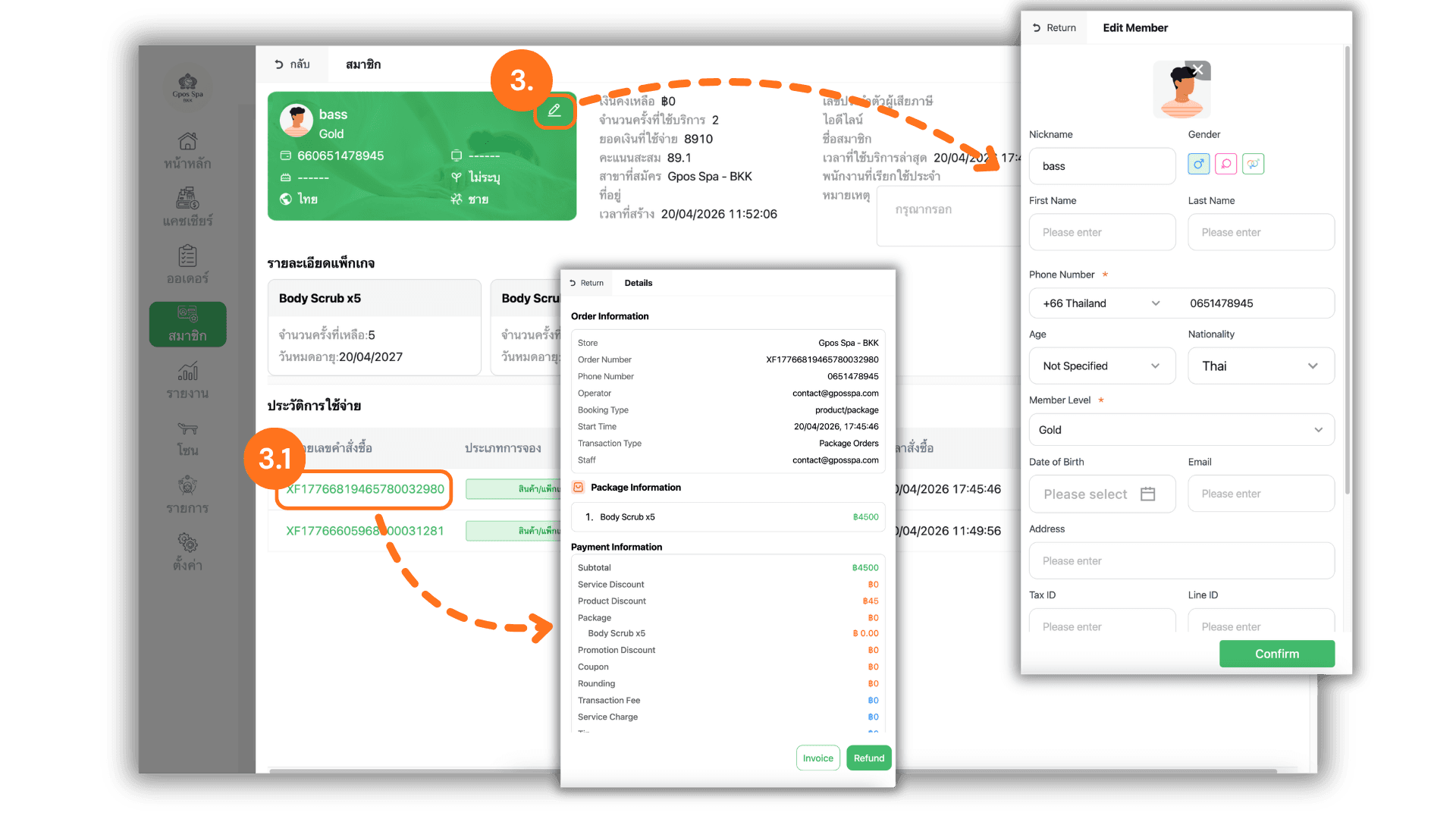
1.Select the Service Branch
- Start by selecting the specific Store or Branch you wish to manage. This ensures you are accessing the correct member database for that specific location.
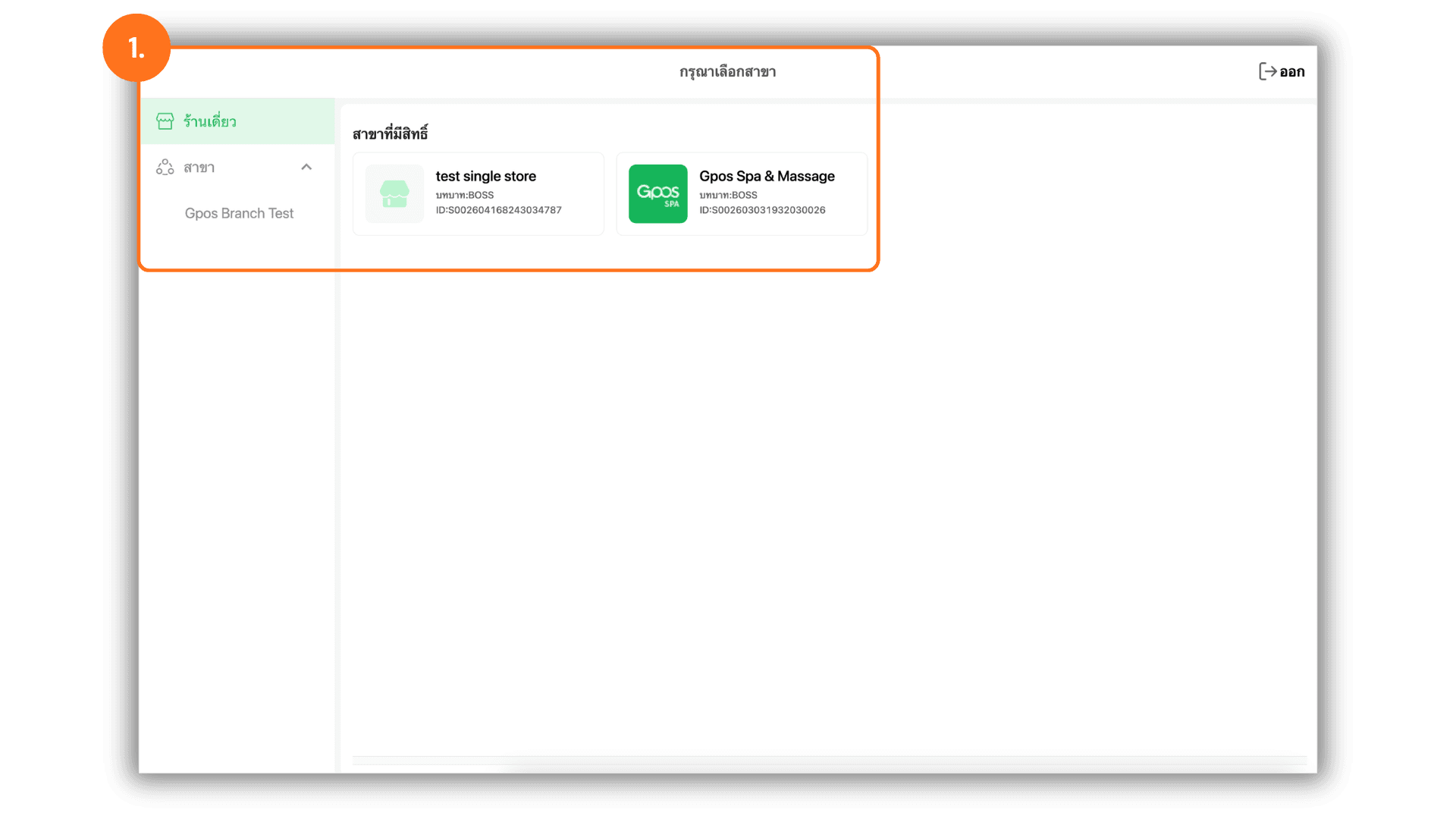
2.Access Member Details
- Navigate to the "Member" menu, search for the desired client, and click on the "Details" button to view their comprehensive membership profile and history.
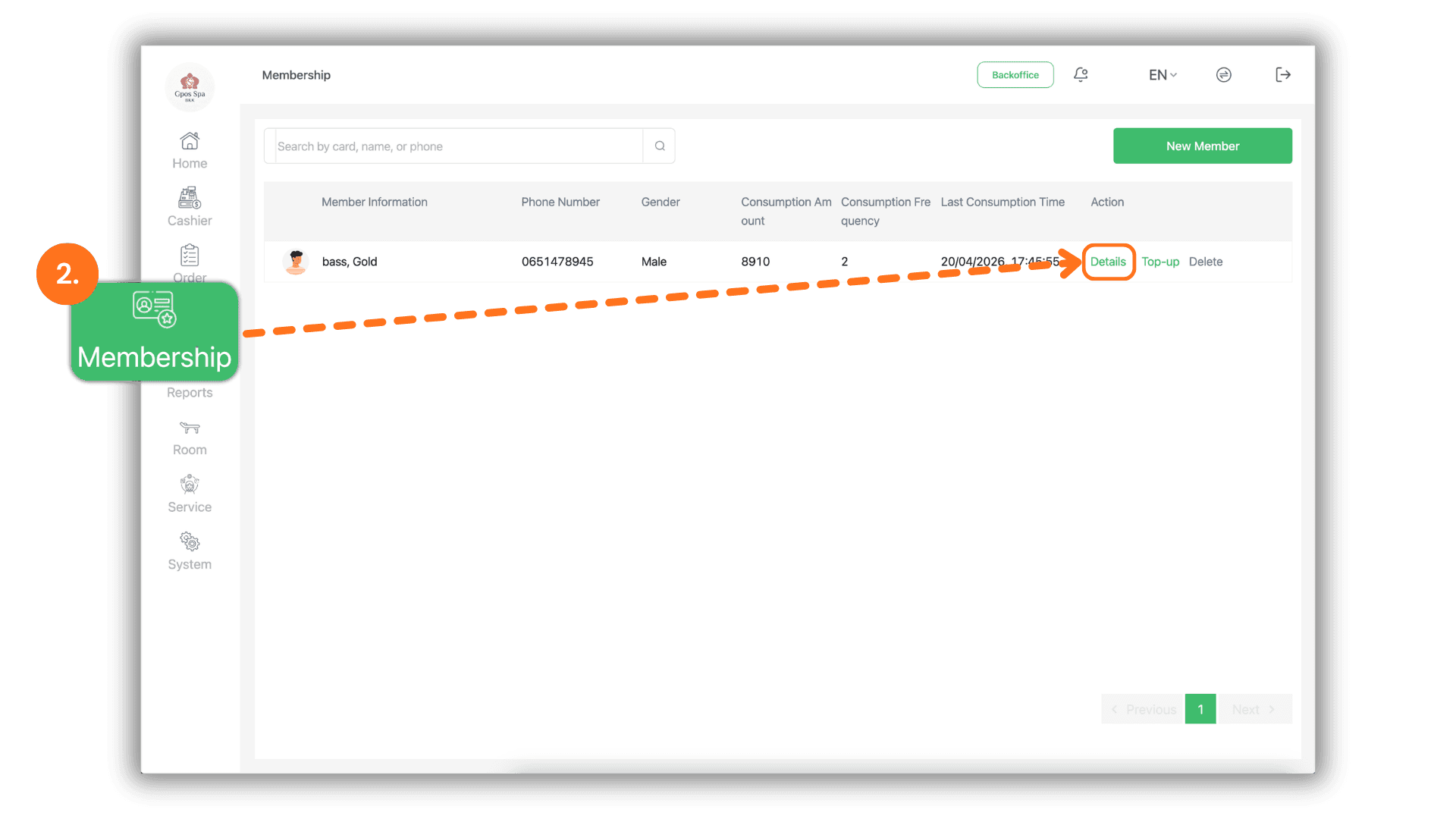
3.Edit Profile and Verify Transactions
- Within the member's profile page, you can perform the following administrative tasks :
- Audit & Edit : Click the Pencil Icon to review or update the member's personal information and account details.
- Bill Verification : Click on the Receipt Number (Invoice ID) located at the front of each transaction entry to instantly review the full billing details for that specific purchase.